

A project is one renovation. Everything — items, payments, documents, the people you invite — belongs to it, and nothing crosses from one project to another.
Creating a project
When you sign in without one, the app opens a short wizard. Only the first step asks for anything.
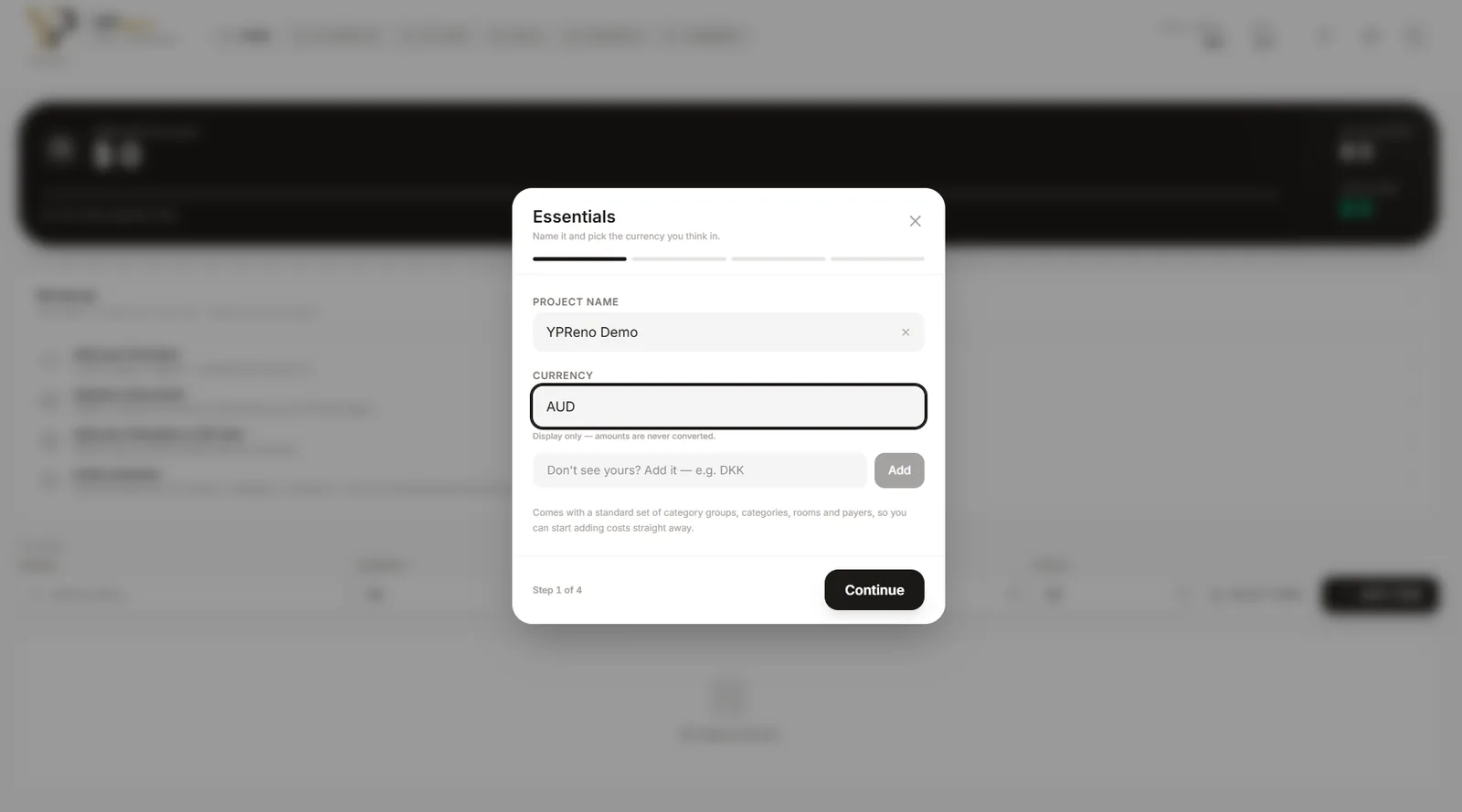
- Essentials. A name and the currency you think in. The currency is a display symbol — YPReno never converts between currencies, so pick the one your quotes are in. If yours is not listed, type it in the box below and add it.
- Make it yours. A background image, a floor plan, and a link to a 3D model if you have one. All optional.
- Who is paying. The people whose payments you will record. You can edit these at any time.
- Your setup kit. The categories and rooms the project starts with. Adjust them now or later.
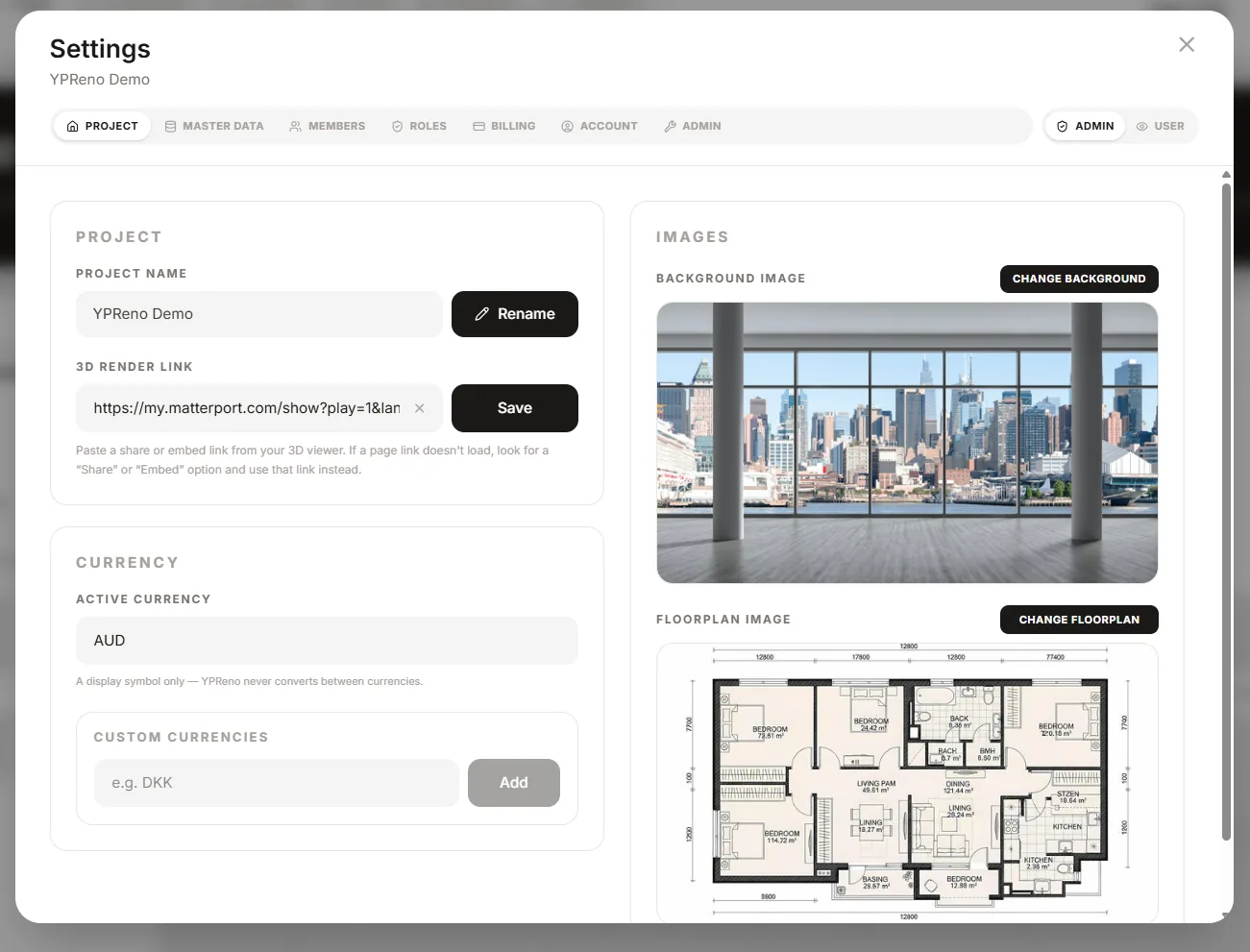
Every project starts with a standard set of category groups, categories, rooms and payers, so you can add costs immediately without setting anything up.
Adding your first item
Press Add item on the Items page. The only fields it insists on are a name, a price and a quantity — everything else can wait, and an item with nothing but a name is a perfectly good placeholder for something you have not chosen yet.
What the free trial gives you
Fourteen days, with everything switched on, capped at 5 items and 3 documents. No card is needed to start. See how billing and the trial work.